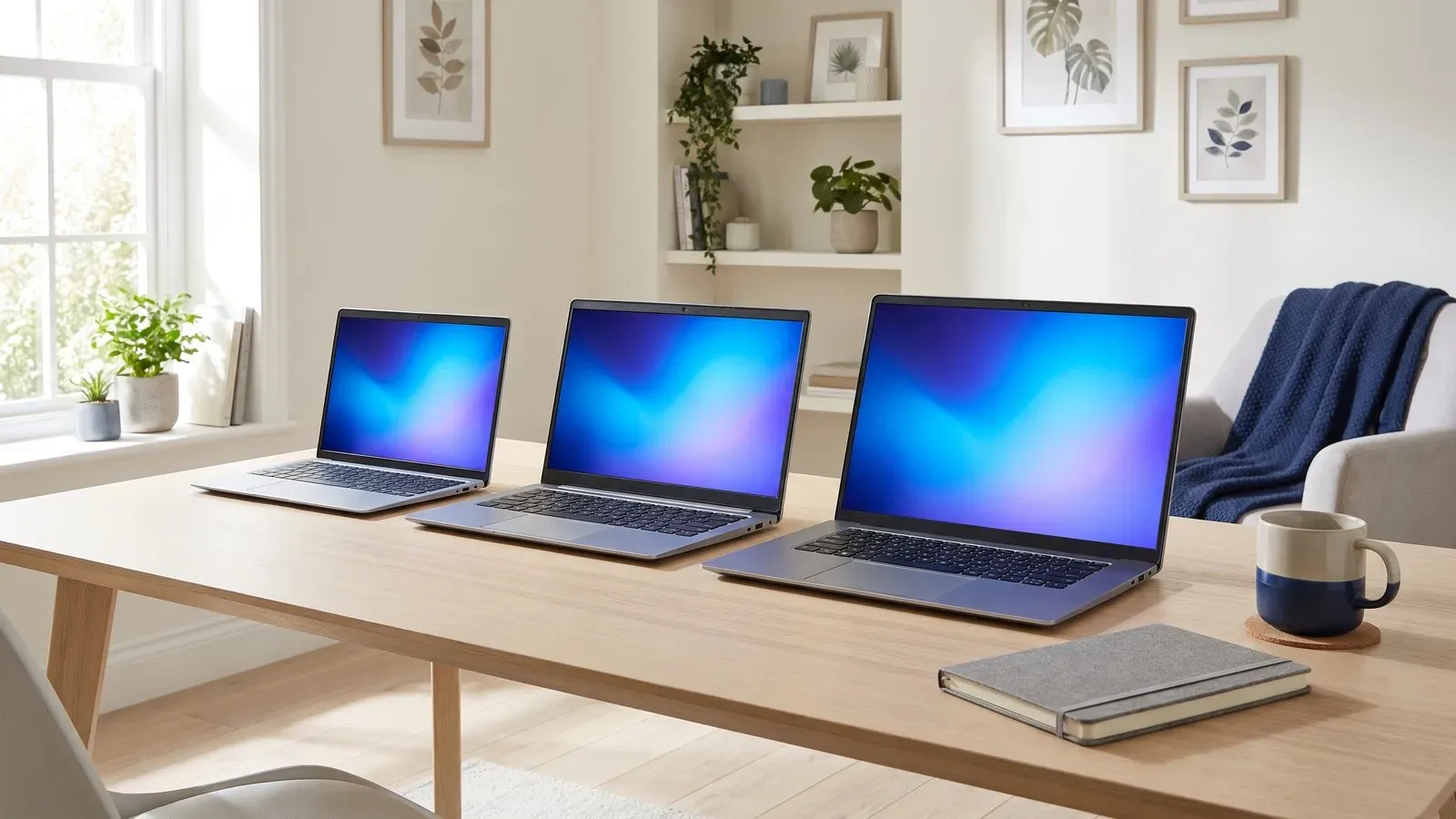
Most people buy more laptop than they need, or the wrong kind entirely. The trick is to start from what you will actually do on it most days, and then pick the size that suits that job. A student writing essays and joining video calls has very different needs from a video editor or a gamer. Work out your two or three main tasks first, then match the machine to them. That one step saves money and points you at a laptop you will still be happy with in three years.
Start with how you will use it
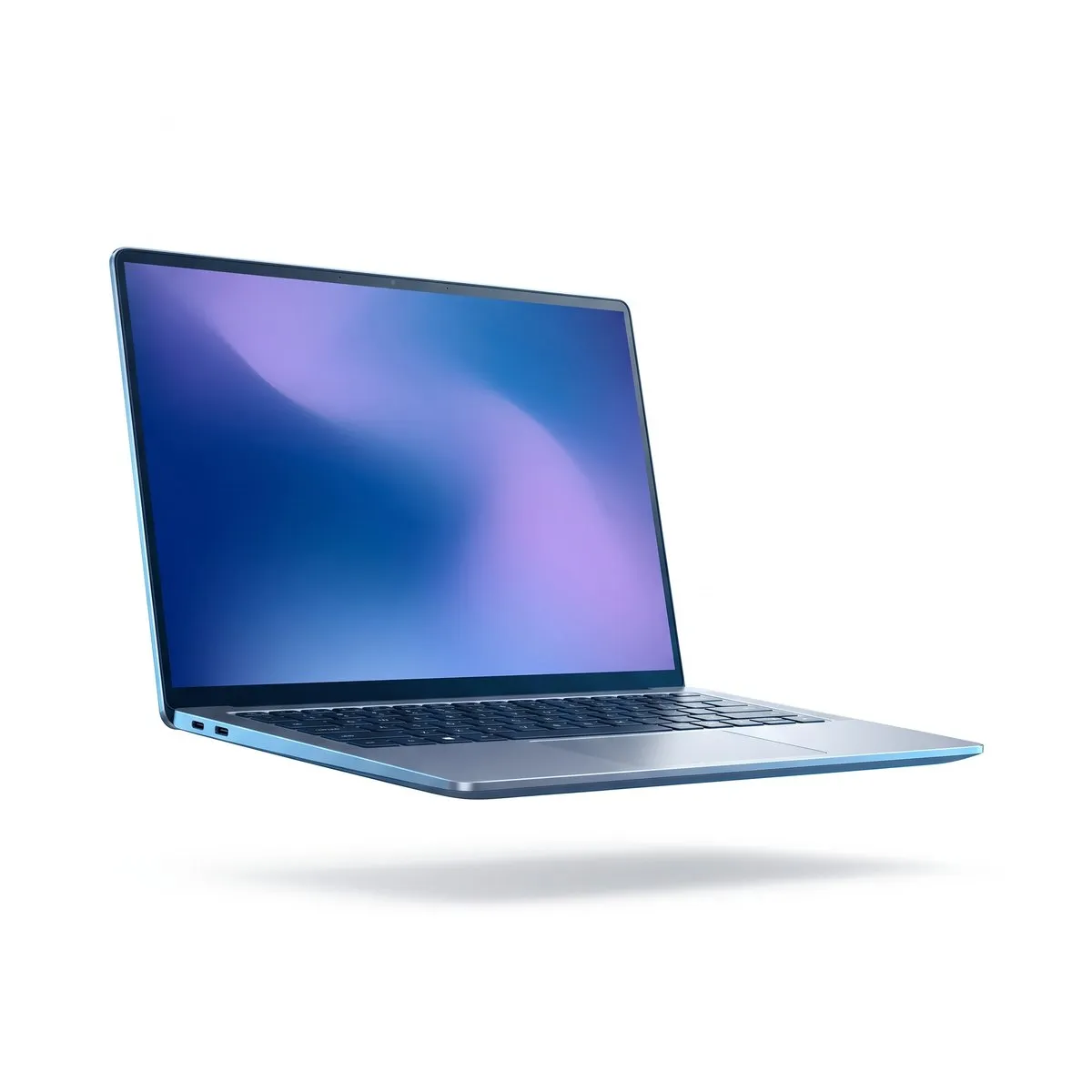
For everyday work and study, which means documents, browsing, video calls and streaming, an 8-core processor, 16GB of memory and integrated graphics are plenty. You do not need a dedicated graphics chip to write reports or sit in meetings. A good example is the Aerion Book 14, with its 14in 2.2K screen, a weight of 1.3kg, up to 18 hours of battery and a starting price of £749. If you take notes by hand or sketch, a 2-in-1 such as the Aerion Flex 14 folds flat into a tablet and comes with a stylus in the box.
Creative work such as photo and video editing wants more cores, 32GB of memory, dedicated graphics and a sharp 120Hz screen. The Aerion Book Pro 16 fits that brief, with a 14-core processor, 32GB of memory, a 16in 3.2K display, up to 22 hours of battery and a starting price of £1,899. Gaming has its own demands: dedicated graphics, a high refresh rate and good cooling. The Quasar Blade 15 pairs a 15.6in QHD screen at 240Hz with dedicated 8GB graphics. The trade-off is weight and battery life, at 2.4kg and up to 8 hours between charges.
Screen, weight and battery
A 14in screen balances portability and working space, while a 16in suits long sessions at a desk. Refresh rate matters too: 60Hz is fine for everyday work, 120Hz feels smoother to scroll and drag, and 240Hz is for fast games. Battery figures come from lab tests, so expect a little less in real use, especially with a bright screen. A 65W USB-C charger will cover most everyday laptops and is small enough to carry. If you travel often, weigh the laptop with its charger before you commit.
Memory, storage and ports
Memory is where a little extra pays off. For most people 16GB is the sweet spot, while 32GB suits editing or heavy multitasking. On a thin laptop the memory usually cannot be upgraded later, so buy enough now rather than hoping to add more. Choose at least 512GB of storage, or 1TB if you keep a large photo library or a stack of games. Then check the ports before you buy: USB-C with USB4 handles docks and external displays, and HDMI 2.1 is handy for a TV or monitor.
Your laptop checklist
- Write down the three things you do most on a computer
- Check the weight if you will carry it every day
- Choose 16GB of memory, or 32GB if you edit photos or video
- Pick at least 512GB of storage
- Match the ports to your monitor, TV and accessories
- Expect real battery life a little below the headline figure
Nothing beats trying the keyboard and screen in person, so visit any of our six stores or ask an expert on live chat. Every laptop we sell comes with a two year warranty, and our set-up service from £29 moves your files across and gets you working quickly. If you are still deciding between models, our laptops and tablets range is a good place to compare them side by side.